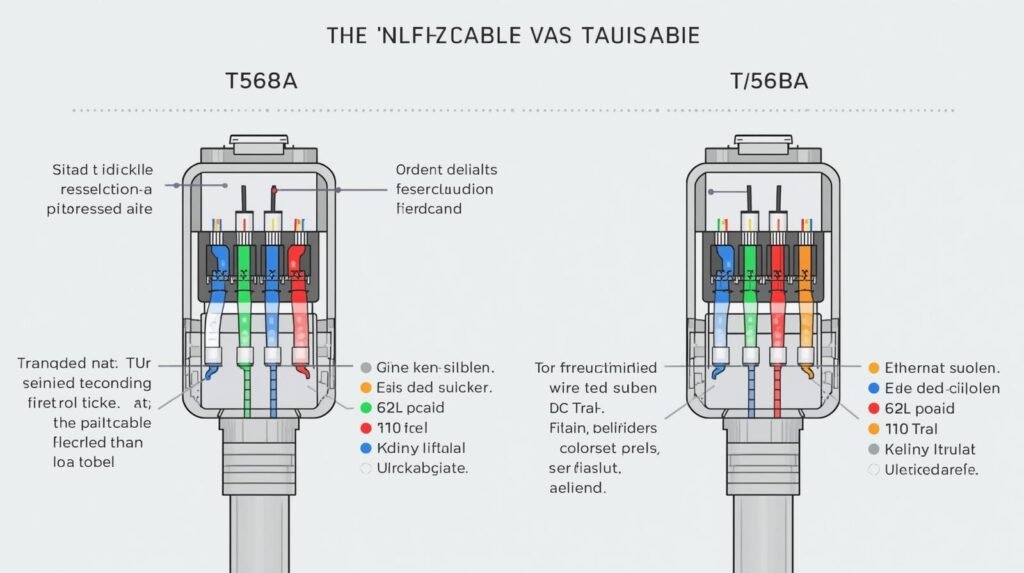
When you install or troubleshoot a network, knowing the Cat 6 color code is key. Category 6 (Cat 6) Ethernet cables are popular in today’s networks, allowing fast data transfer of up to 10 Gbps over short distances. Correct wiring ensures optimal performance, minimizes interference, and prevents costly connectivity issues.
This guide covers Cat 6 color codes, the T568A and T568B wiring standards, PoE pinouts, straight-through vs crossover wiring, termination tips, and answers to the most common questions people search for.
What Is a Cat 6 Cable?
Cat 6 is a standardized twisted-pair cable designed for Ethernet networks. It is commonly used in homes, offices, and data centers for applications such as:
- Internet connections
- Local area networks (LANs)
- VoIP systems
- IP cameras
- Network switches and routers
Cat 6 cables contain four twisted pairs (eight wires), each pair color-coded to ensure correct termination at the RJ45 connector.
Why the Cat 6 Color Code Matters
Following the correct Cat 6 color code is crucial because it:
- Ensures compatibility with network devices
- Reduces crosstalk and signal interference
- Prevents data loss and network errors
- Complies with TIA/EIA-568 industry wiring standards
Incorrect wiring may result in slow speeds, intermittent connections, or complete network failure.
Cat 6 Wiring Standards: T568A vs T568B
Cat 6 cables follow two internationally recognized wiring standards defined by TIA/EIA-568: T568A and T568B.
Both standards work equally well electrically — T568B is more common in commercial installations, while T568A is often preferred in residential or government setups.
Important: Always use the same standard on both ends of the cable for a straight-through connection.
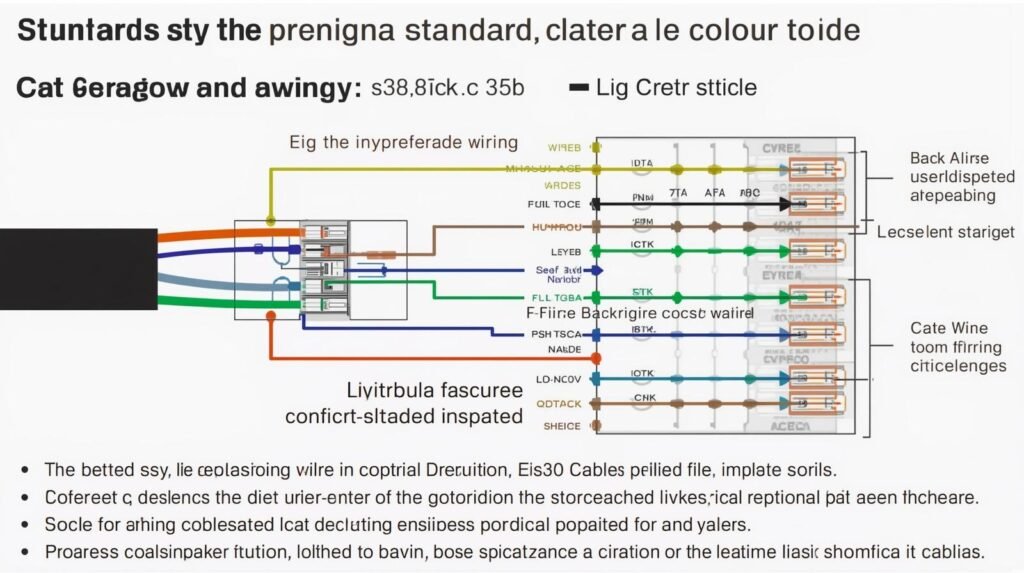
Cat 6 Color Code (T568B Standard)
The T568B color code is the most widely used configuration:
| Pin Number | Wire Color | Function |
|---|---|---|
| 1 | White-Orange | Transmit + |
| 2 | Orange | Transmit − |
| 3 | White-Green | Receive + |
| 4 | Blue | Unused / PoE |
| 5 | White-Blue | Unused / PoE |
| 6 | Green | Receive − |
| 7 | White-Brown | Unused / PoE |
| 8 | Brown | Unused / PoE |
Cat 6 Color Code (T568A Standard)
The T568A standard uses a slightly different sequence:
| Pin Number | Wire Color | Function |
|---|---|---|
| 1 | White-Green | Transmit + |
| 2 | Green | Transmit − |
| 3 | White-Orange | Receive + |
| 4 | Blue | Unused / PoE |
| 5 | White-Blue | Unused / PoE |
| 6 | Orange | Receive − |
| 7 | White-Brown | Unused / PoE |
| 8 | Brown | Unused / PoE |
Functionally, T568A and T568B perform identically — consistency across both ends is what matters.
T568A vs T568B — Quick Comparison
| Feature | T568A | T568B |
|---|---|---|
| Common use | Residential, government | Commercial, enterprise |
| Pins 1–2 | Green pair | Orange pair |
| Pins 3, 6 | Orange pair | Green pair |
| Pins 4–5, 7–8 | Same in both | Same in both |
| Performance | Identical | Identical |
Cat 6 PoE (Power over Ethernet) Color Code
Cat 6 cables also carry power in PoE setups (IP cameras, VoIP phones, access points) under the IEEE 802.3af/at standards. The unused data pins double as power pins:
- Pins 4, 5 (Blue pair) → DC+
- Pins 7, 8 (Brown pair) → DC−
The color order (T568A or T568B) stays the same — PoE simply uses the spare pairs for power delivery alongside data.
Straight-Through vs Crossover Cables
Straight-Through Cable
- Same wiring standard on both ends (T568A–A or T568B–B)
- Used to connect: computer to switch, router to switch, patch panel to switch
Crossover Cable
- One end T568A, the other T568B
- Used for: computer-to-computer connections, switch-to-switch connections (older equipment)
Most modern devices support Auto-MDI/MDIX, making crossover cables largely unnecessary today. See our full guide: How to Make a Crossover Cable.
Best Practices for Cat 6 Termination
- Keep wire twists intact as close to the connector as possible
- Avoid excessive bending or stretching
- Use Cat 6-rated RJ45 connectors
- Test cables after termination with a cable tester
- Label cables clearly for maintenance
Common Mistakes to Avoid
- Mixing T568A and T568B on the same cable unintentionally
- Untwisting wire pairs too much before crimping
- Using Cat 5 connectors on Cat 6 cables
- Skipping cable testing after termination
Conclusion
Knowing the Cat 6 color code is essential for anyone working with Ethernet networking — whether you’re setting up a home network or managing enterprise infrastructure. Choose the right standard (T568A or T568B), keep the wire order correct, and follow best practices to build a professional-grade network with confidence.
FAQs About Cat 6 Color Code
1. What is the Cat 6 color code?
The Cat 6 color code is the standard order of wire colors used when connecting a Cat 6 Ethernet cable to an RJ45 connector, following either the T568A or T568B wiring standard.
2. Which Cat 6 color code is most commonly used?
T568B is the most widely used Cat 6 wiring standard, especially in commercial and professional networking setups.
3. What is the correct Cat 6 color order for T568B?
White-Orange, Orange, White-Green, Blue, White-Blue, Green, White-Brown, Brown.
4. Is there a performance difference between T568A and T568B?
No. Both standards support the same speeds and bandwidth when wired correctly on both ends.
5. Can I mix T568A and T568B on the same cable?
Using T568A on one end and T568B on the other creates a crossover cable. This is only recommended for older networking gear that doesn’t support Auto-MDI/MDIX.
6. Does incorrect Cat 6 wiring affect internet speed?
Yes — wrong wiring can lead to slower speeds, packet loss, unstable connections, or total network failure.
7. Are Cat 6 and Cat 5e color codes the same?
Yes, Cat 6 and Cat 5e use the same T568A/T568B color codes, but Cat 6 has stricter installation standards for better performance.
8. How do I identify Pin 1 on an RJ45 connector?
Hold the connector with the clip facing down and the pins facing you — Pin 1 is the wire on the far left.
9. Do I need special connectors for Cat 6 cables?
Yes — use Cat 6-rated RJ45 connectors for a proper fit, reduced crosstalk, and full performance.
10. How can I test if my Cat 6 cable is wired correctly?
Use a network cable tester to check wire order, continuity, and signal integrity.
11. Can Cat 6 PoE cables damage devices if wired incorrectly?
Reversed or shorted power pairs in a PoE setup can potentially damage connected devices, which is why testing before deployment is important.